Chatasist
Chatasist
- Importer
About
Chatasist is an AI-powered customer support platform with a shared inbox, tickets, and CRM. This connection lets you link your Notion workspace to Chatasist so selected pages and databases become part of your AI knowledge base.
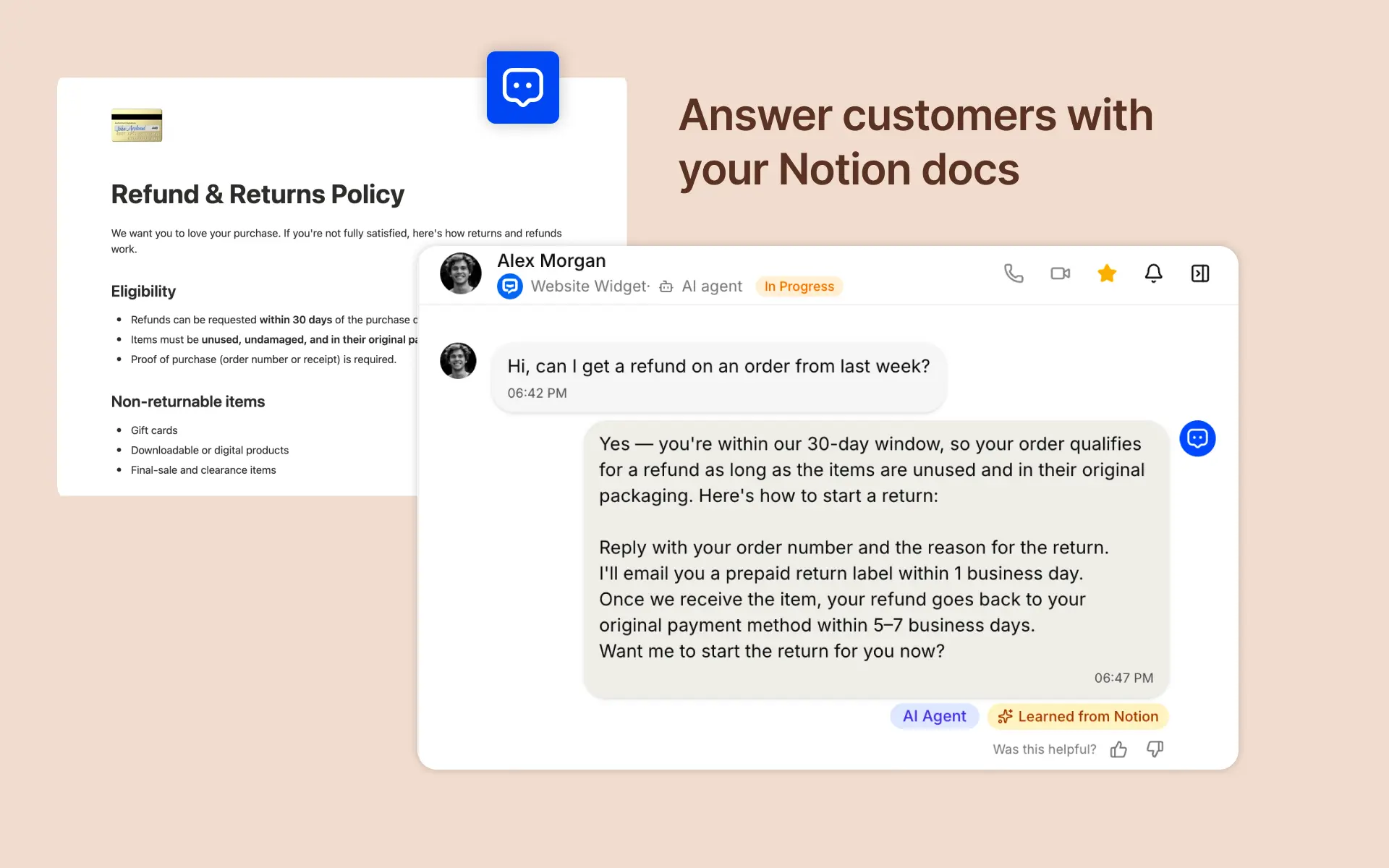
Once connected, Chatasist's AI agent uses your Notion content to answer customer questions automatically across your channels - drafting accurate, on-brand replies grounded in your own documentation. Content stays in sync, so when you update a page in Notion, your support answers stay up to date.
Choose exactly which pages or databases to share, and disconnect at any time.
How to use
- In Chatasist, go to Settings → Integrations → Notion and click "Connect Notion."
- Authorize Chatasist and select the Notion pages or databases you want to share.
- Chatasist imports the selected content into your AI knowledge base and keeps it in sync.
- Enable the AI agent on your channels — it will now answer customer questions using your Notion content.
- Update a page in Notion anytime; your support answers stay current automatically.