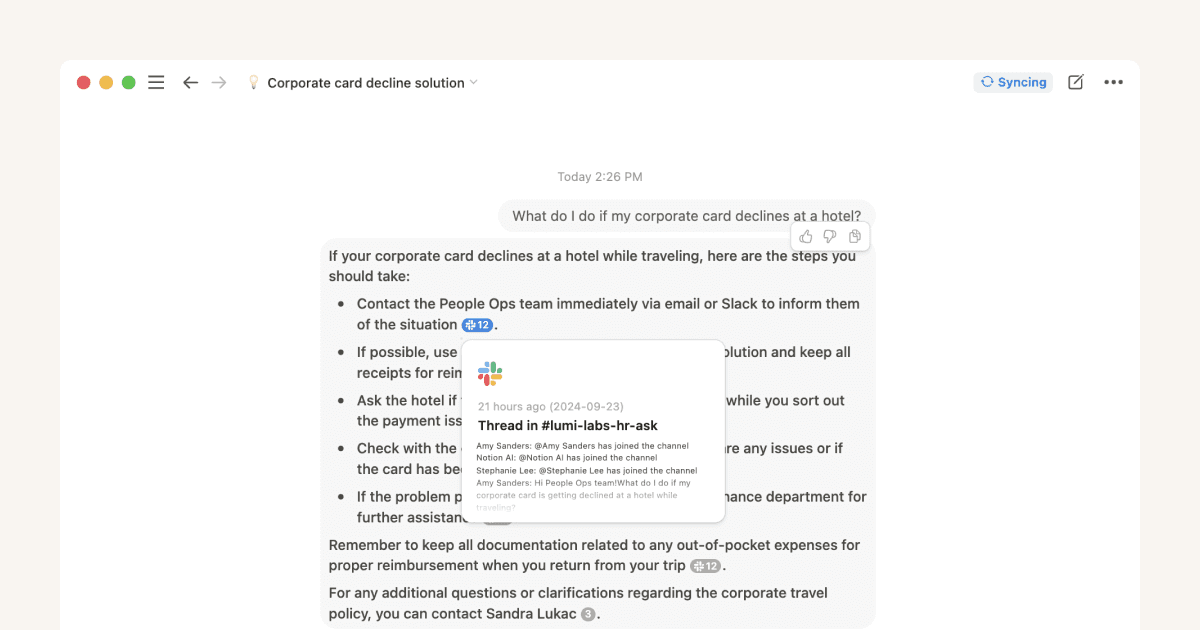
Use AI connectors to access more of your team’s knowledgeAI connectors let you find and create content using info from third-party apps (like Slack, JIRA and Google Drive) within Notion. Learn how they can boost your organization's efficiency, enhance overall productivity, and even reduce spend on AI tools.7 min read
Get the most out of your Business trial with Notion AIStart your Business trial and explore what’s possible with Notion AI. Connect your favorite tools, capture meetings automatically, and let your Personal Agent build end-to-end workflows — all in one place.5 min read
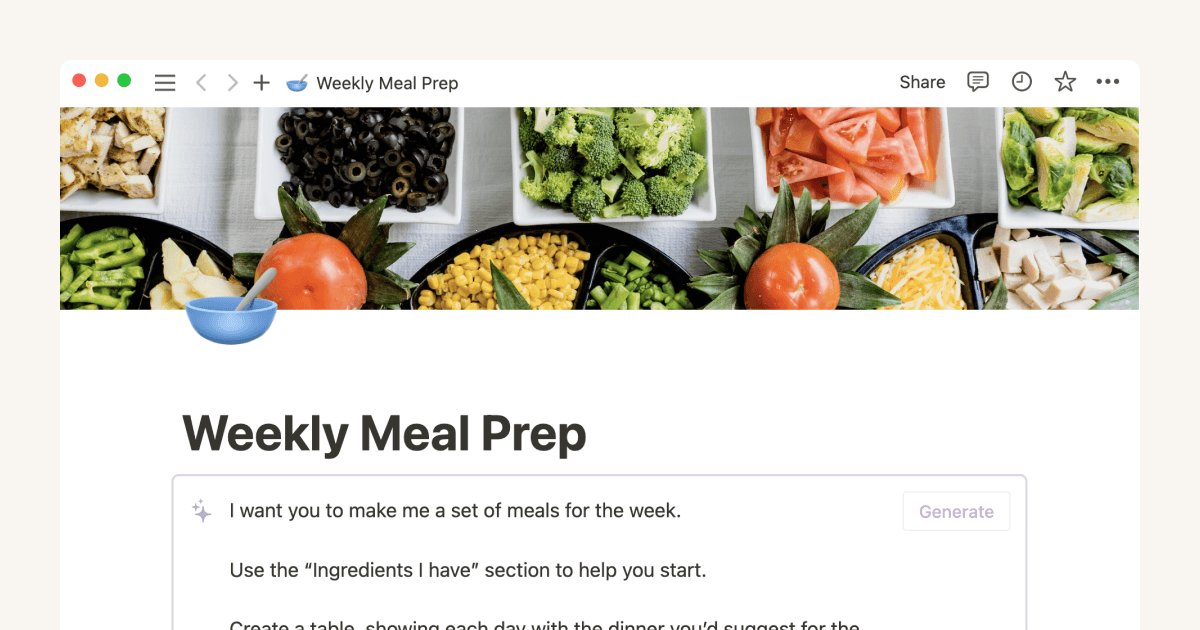
Organize your everyday life with Notion AIAdd AI to your workspace to boost productivity, creativity, and effectiveness for travel or meal planning, career development, and more.9 min read
Is Notion's Business or Enterprise plan right for you?Bringing AI into daily workflows is one of the biggest challenges companies face. Our Business and Enterprise plans meet that head-on with powerful AI tools, custom workflows, and rock-solid security— all in one connected workspace. Find the plan that fits your team.8 min read
Preserve perfect meeting memory with AI Meeting NotesMeet Notion’s AI Meeting Notes, your intelligent meeting assistant. It transcribes your meetings and turns it into organized meeting summaries right in your workspace. 7 min read
Build your first Custom AgentBuild Custom Agents that automate recurring workflows for your entire team. One person sets it up, everyone benefits from the work that happens automatically.10 min read
Everything you can do with Notion AIMeet Notion AI — a helpful assistant right inside your workspace. In this guide, we'll walk you through how Notion AI can help you discover answers, bring information together, and automate tedious tasks — giving you more time to focus on what really matters.10 min read
Connect Custom Agents to your tool stack with MCP integrationsMCP lets Custom Agents securely connect to external tools, so you can bring live context into Notion and automate end-to-end workflows across your stack safely and with control.10 min read
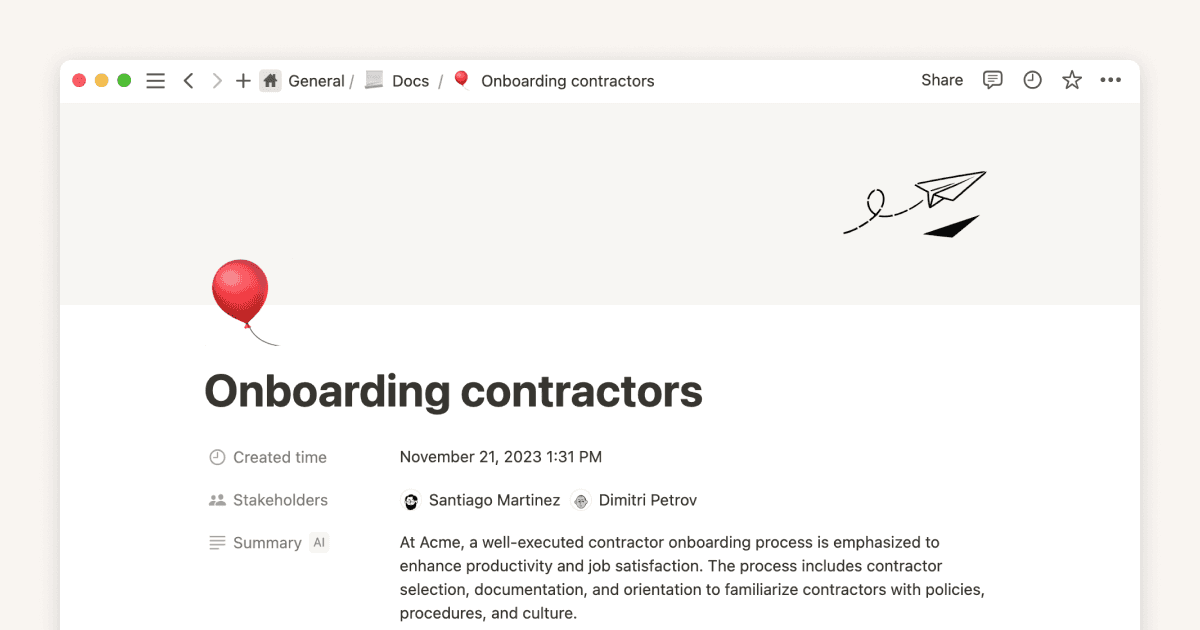
Use Notion AI to give teams perfect memory, and save timeWhether you're supporting customers, prospects, internal support requests, or even new hires, everyone needs access to the information in your wiki. Learn how Notion AI can help them team members find what they need faster. 8 min read
Get started with your Notion AgentMeet Notion Agent, your AI teammate that actually does the work for you. Your Agent handles complex, multi-step tasks—from building databases to updating content across your workspace—so you can focus on strategy instead of setup.5 min read
Power your deep work using Research Mode in NotionLearn how to use Research Mode in Notion for deep research across your workspace, connected tools, and the web. Combine scattered data into clear, actionable briefs that support customer calls, product launches, and strategic decisions.5 min read
Find answers and generate reports with enterprise searchFinding answers at work should be as simple as using your favorite search engine. With enterprise search, you can quickly find what you need using features like Research mode for in-depth reports and AI connectors that work seamlessly with your current systems.7 min read
How to get better answers from Notion AIInstead of relying on basic keyword searches, learn how to provide rich context that helps Notion AI understand exactly what you're looking for, leading to more accurate and useful results. 10 min read
Unearth fresh insights from your personal knowledge library using Q&AExplore ways to use Q&A to glean insights from your personal notes, research, and more — all you have to do is ask. 10 min read
The ultimate guide to AI-powered knowledge hubs in NotionAn AI-powered knowledge hub can save hours for your team every single day. Learn how to build, roll out, and maintain your AI-powered knowledge hub in Notion. 17 min read
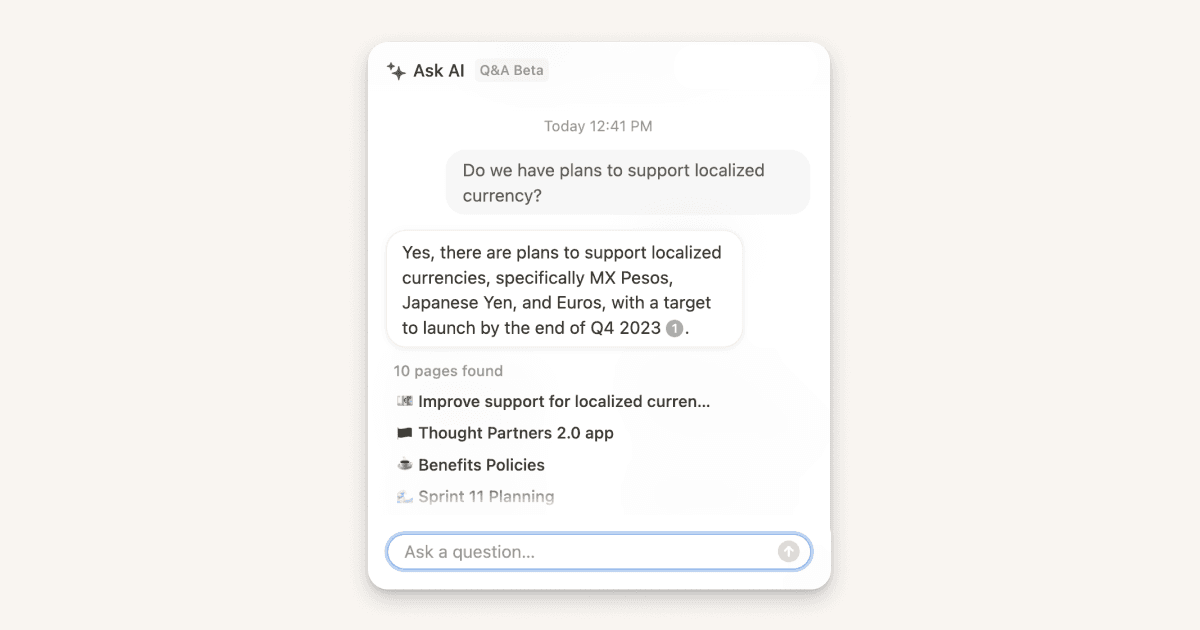
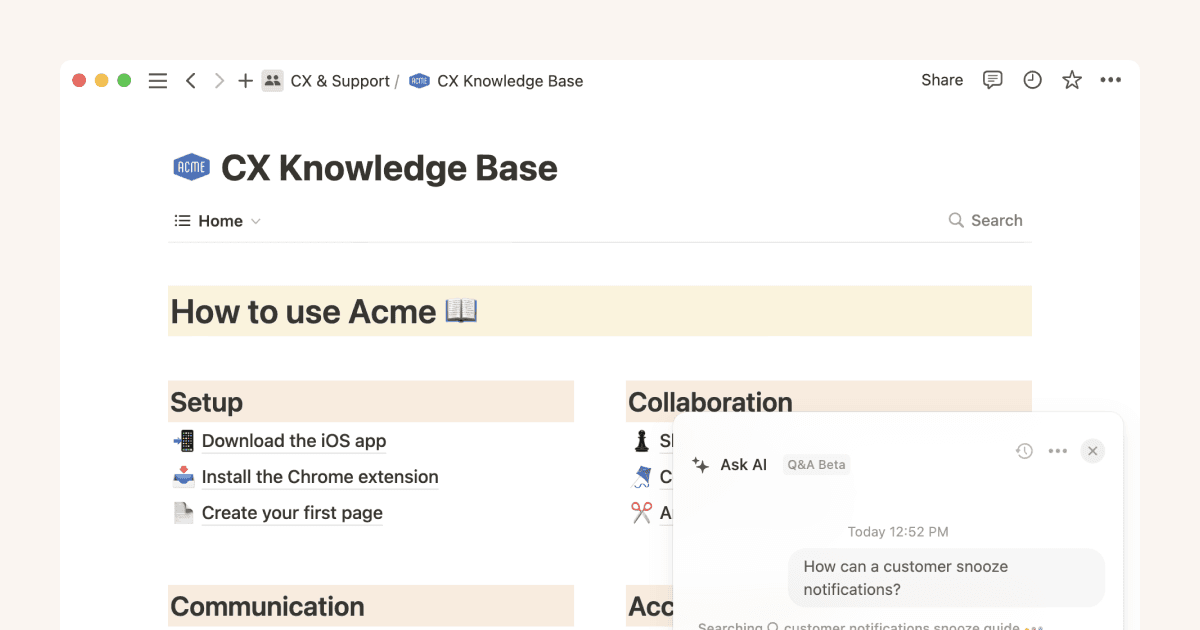
Get answers about work content faster with Q&A Learn how Q&A can answer questions to help you make sense of the information in your workspace, and explore how to get the most value from your Notion AI add-on. 10 min read
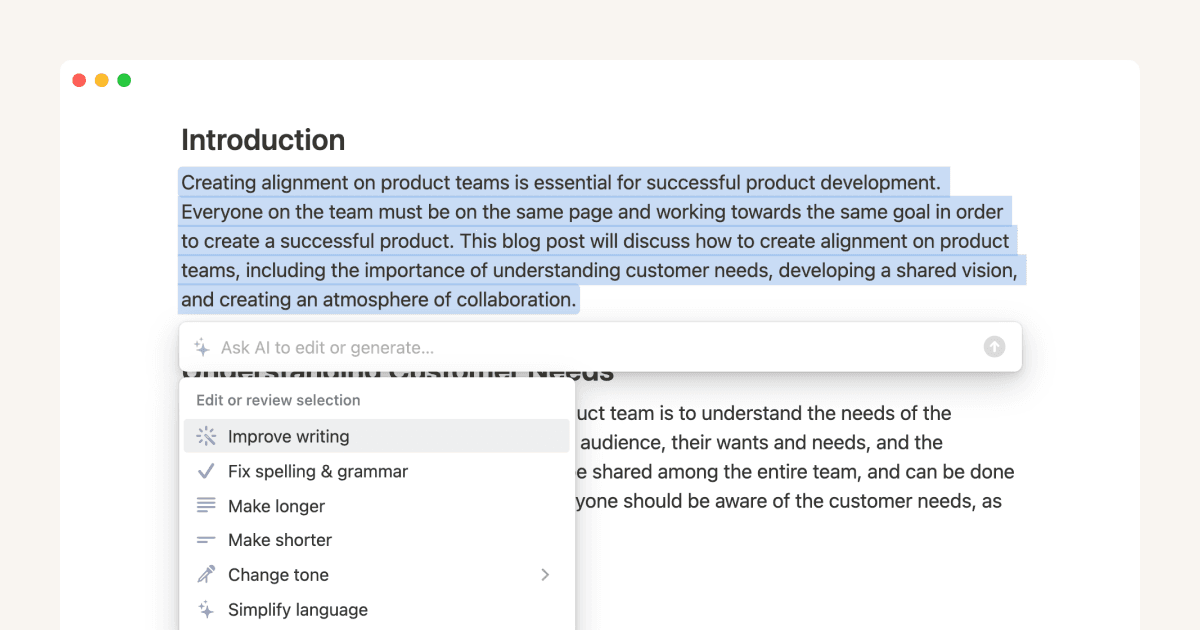
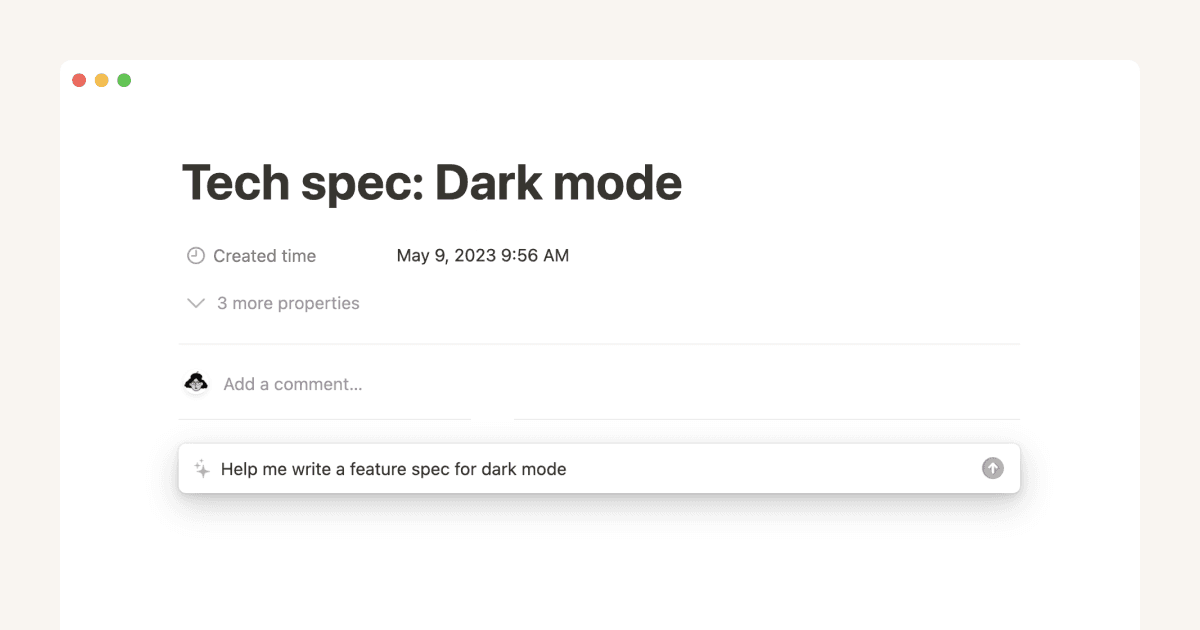
Use Notion AI to write better, more efficient notes and docsLeverage the capabilities of Notion AI to think bigger, work faster, and augment your creativity. Learn how to use Notion AI to transform text, automate simple tasks, and generate new content inside your connected workspace.8 min read
Using Notion AI to extend your impactLearn about what artificial intelligence is, as well as the current functions and limitations of this technology. 3 min read
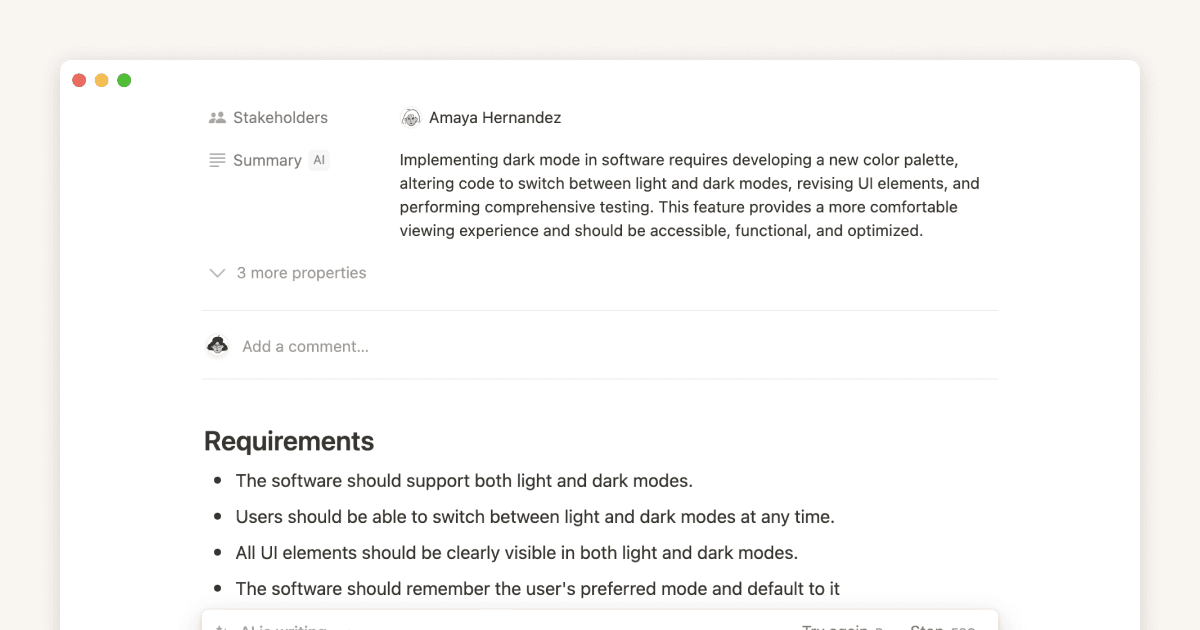
How tech teams can use Notion AI to boost productivityNo matter your role in tech, Notion AI can significantly enhance your productivity. By providing instant answers, generating or improving content, and summarizing databases, it allows you to focus more on the core tasks at hand.3 min video
How marketing teams can use Notion AI to boost productivityNotion AI simplifies your work as a marketer by writing brand new pages for you, extracting key insights from database pages, and quickly showing you the information you need.3 min video
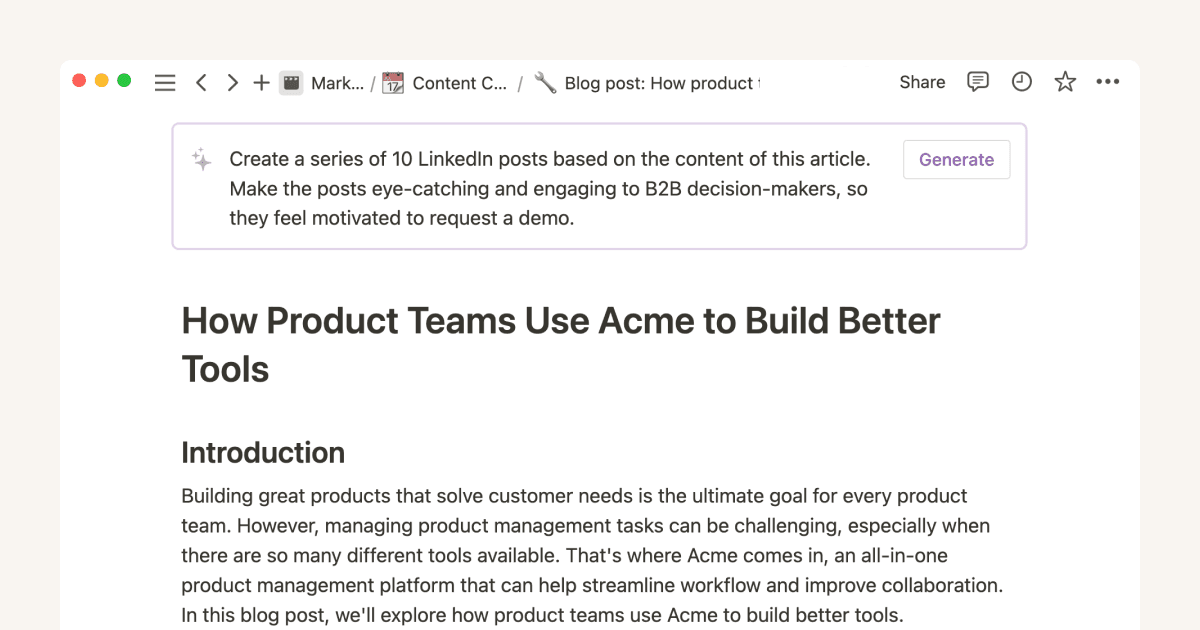
10 AI prompts to help marketers write better copy, fasterNotion AI gives you endless inspiration for content and helps you whip up blog posts, press releases, social media content, white papers, and more, to boost both creativity and efficiency. 7 min read
5 ways to get more value out of your reading list with Notion AIBuild your reading list or collect resources in Notion, then use AI to apply what you’ve learned. Create summaries of documents, surface key insights from articles you’ve saved, translate or simplify text and much more. 6 min read
How marketing and sales teams can enhance creativity and productivity with Notion AIExplore how to use Notion AI to optimize your marketing and sales efforts to gather more leads, better understand your customers, and close more deals.9 min read
How product teams boost productivity and spark new ideas with Notion AIExplore ways product teams can use artificial intelligence to enhance their productivity, creativity, and workflow efficiency.10 min read
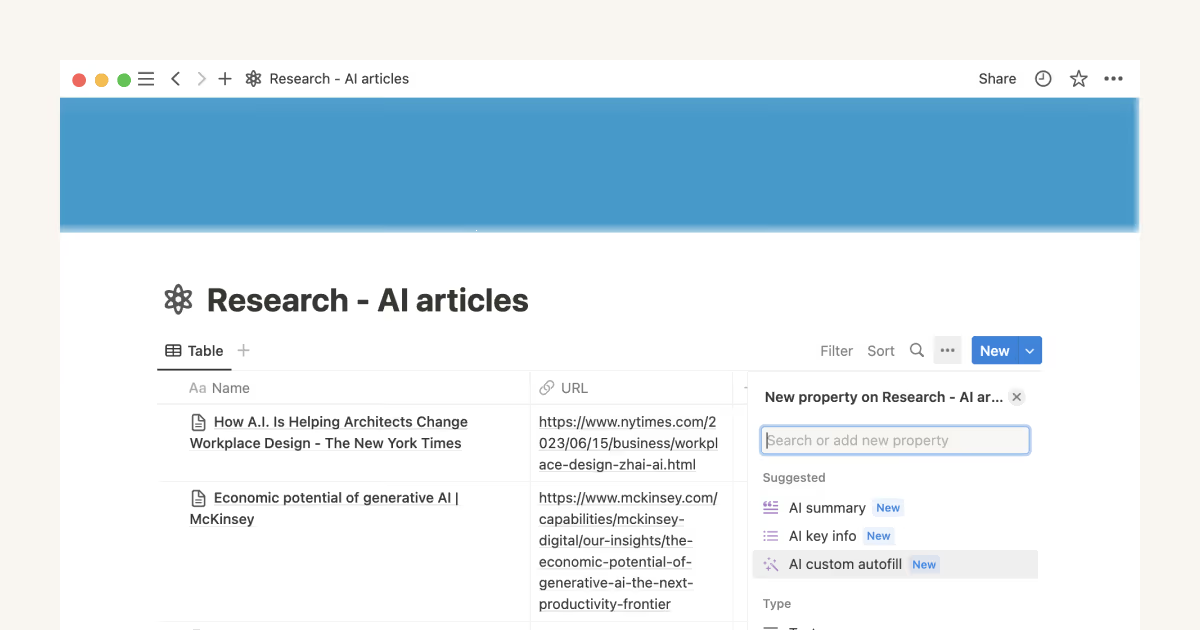
5 AI prompts to surface fresh insights from your databasesBring the power of AI into your databases with an AI autofill property. Generate summaries, insights, takeaways, or any kind of helpful information based on the page content.8 min read